


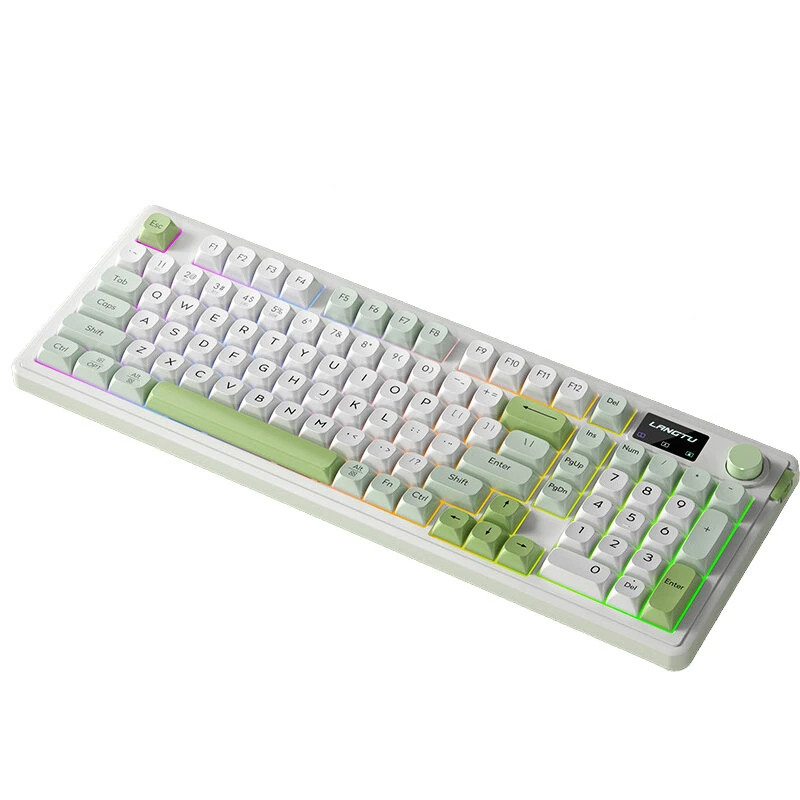
In today’s fast-paced digital world, efficiency and productivity are key. One innovative tool that is transforming the way we interact with our computers is a keyboard with display. By integrating a small screen directly into the keyboard, this technology is opening up new possibilities for multitasking, workflow optimization, and user experience.
What is a Keyboard with Display?
A keyboard with display is essentially a traditional keyboard equipped with an embedded screen, often touch-sensitive, that can show information, shortcuts, or interactive content. Unlike standard keyboards, this device allows users to access dynamic content without switching windows or looking away from their typing area.
Boosting Productivity
One of the most significant advantages of a keyboard with display is its impact on productivity. For professionals who frequently switch between applications, having quick-access controls and real-time information directly on the keyboard reduces the need to move the mouse or navigate multiple screens. Tasks like video editing, coding, and graphic design become more streamlined, allowing users to focus on creativity rather than repetitive navigation.
Enhancing Workflow Customization
Another way a keyboard with display changes the way you work is by enabling customization. Many models allow users to assign specific functions, shortcuts, or macros to the display keys. For example, designers can display color palettes, editors can control playback, and coders can monitor live data or debugging tools—all from the keyboard itself. This adaptability turns a simple typing device into a powerful productivity hub.
Future Implications
As technology evolves, keyboards with displays are likely to become standard in professional setups. By reducing the need to constantly switch screens and providing intuitive access to tools, this innovation represents a shift toward more integrated, efficient computing environments. In essence, a keyboard with display changes the way you work by making technology more responsive to individual needs and workflows.
